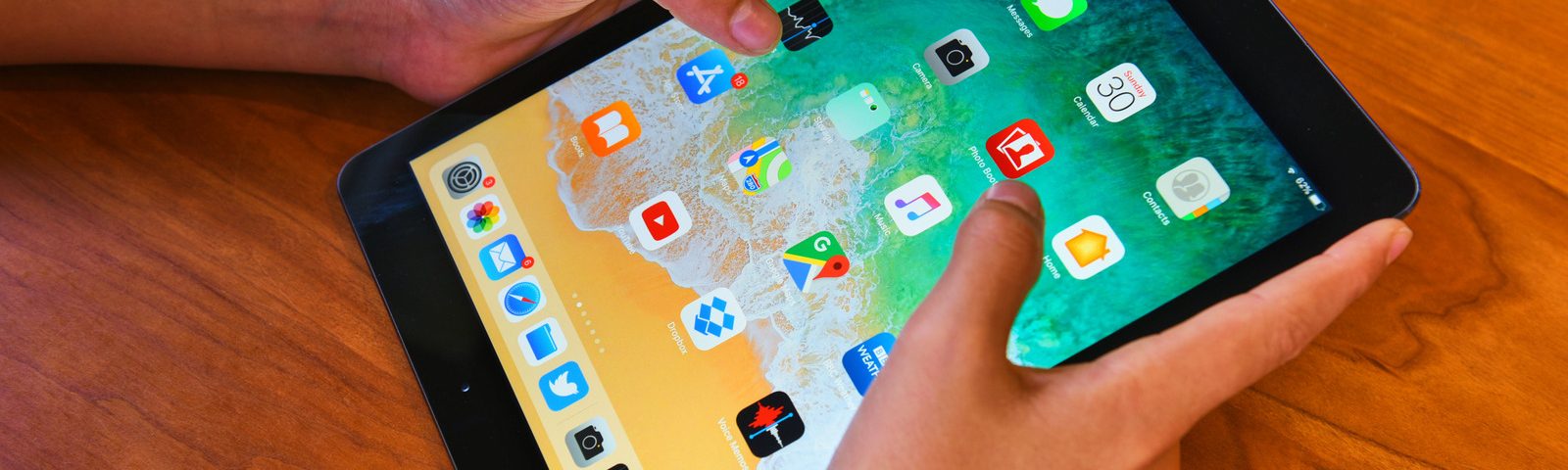
Watch the Video Tutorial
Want to update an old iPad to iPadOS 15? In this video tutorial, I show the method to install iOS 15 / iPadOS 15 on an old or unsupported iPad.
If your iPad no longer receives the latest iPadOS update normally, this guide will help you understand the process and what you need to check before trying the update.
About This Video
This video is made for users who want to update an old iPad and try installing iPadOS 15 / iOS 15 on a device that may not show the update normally in Settings.
The tutorial explains the process visually, so you can see what to check, what steps to follow, and how the update method works. If you are trying this for the first time, I recommend watching the full video from start to finish.
What You Will Learn in This Video
- How to update an old iPad to iPadOS 15
- How to check if your iPad can install iOS 15 / iPadOS 15
- What to prepare before updating an old iPad
- How to follow the update process step by step
- What to do if the update does not appear normally
- Important notes before installing iPadOS 15
Why Update an Old iPad to iPadOS 15?
Some older iPad models may feel limited when they are stuck on an older iOS or iPadOS version. Updating to iPadOS 15 can help improve app compatibility, bring newer features, and make the device more useful for daily tasks.
However, not every old iPad can officially install every iPadOS version. That is why it is important to watch the full video and follow the steps carefully before attempting the update.
Before You Start
Before trying to update your old iPad, make sure you prepare your device properly. This can help avoid problems during the update process.
- Back up your important data first
- Make sure your iPad has enough battery
- Connect to a stable Wi-Fi network
- Check your available storage
- Follow the video tutorial carefully
Video Chapters
- Introduction to updating an old iPad
- Checking the iPad update condition
- Preparing the device before update
- Starting the iPadOS 15 / iOS 15 update method
- Following the update process
- Important notes during installation
- Final result after updating
Frequently Asked Questions
Can I update an old iPad to iPadOS 15?
Some old iPad models can install iPadOS 15, but it depends on the device model and update availability. Watch the full video to understand the method shown in the tutorial.
Can I install iOS 15 on an unsupported iPad?
This video explains a method related to installing iOS 15 / iPadOS 15 on an old iPad. Make sure to follow the video carefully and check your device before trying.
Should I back up my iPad first?
Yes. You should always back up your iPad before trying any update method, especially on an older device.
Why is my old iPad not showing the iPadOS 15 update?
The update may not appear if the device does not support that version normally or if the update path is limited. The video explains what to check and how the method works.
Do I need to watch the full video?
Yes. The process is easier to understand visually, and the video shows the steps you need to follow carefully.
Watch the Complete iPadOS 15 Tutorial
For the full step-by-step guide, watch the video tutorial above. The video shows the process clearly so you can follow it more easily.
Final Thoughts
That is how to update an old iPad to iPadOS 15 or install iOS 15 / iPadOS 15 on an unsupported iPad. If you want the complete process, watch the full video tutorial above and follow each step carefully.
If this tutorial helps you, make sure to subscribe to the channel and join our Telegram channel for more iPhone, iPad, iOS update, sideloading, and AppleJr tutorials.